


Context
AECOM, a global civil engineering leader, undertook a confidential project to design and manage the development of a new smart city in the Middle East. This ambitious project aimed to balance modern urban infrastructure with the preservation of 200,000 years of historical heritage. Effective program management across thousands of stakeholders—from internal teams to government entities—was essential to ensure the project’s success.
However, past large-scale projects exposed inefficiencies and challenges like miscommunication, inconsistent data management, and siloed workflows. These challenges often resulted in delays, rework, and difficulty navigating local regulatory requirements.

Problem

The initial stages of the master plan revealed pain points such as disjointed project management tools, inconsistent data formats, and a lack of centralized oversight.

Project managers and teams were reliant on fragmented workflows and ad-hoc tracking tools, hindering clear communication and decision-making.

The absence of standardized processes led to duplication of efforts, inefficiencies, and difficulty maintaining regulatory compliance.
Goal
AECOM sought to develop a user-friendly digital workspace that would centralize project management, standardize data workflows, and eliminate silos. The aim was to create an accessible and cohesive platform to track resources, risks, actions, issues, and decisions (RAID), fostering seamless collaboration and improving data-driven decision-making.
Target Group
The primary users included AECOM’s design and program management teams, government entities overseeing the smart city’s development, and external suppliers. These groups needed tools to streamline communication, monitor project progress, and ensure compliance with local regulations.
Responsibilities
As the lead UX designer, I collaborated closely with a product owner, a team of four developers, two data scientists, and two junior designers. My responsibilities included conducting user research, defining the UX strategy, and designing the portal and app interfaces. I worked closely with stakeholders to ensure that the solution met the needs of various teams while aligning with project goals.
Process
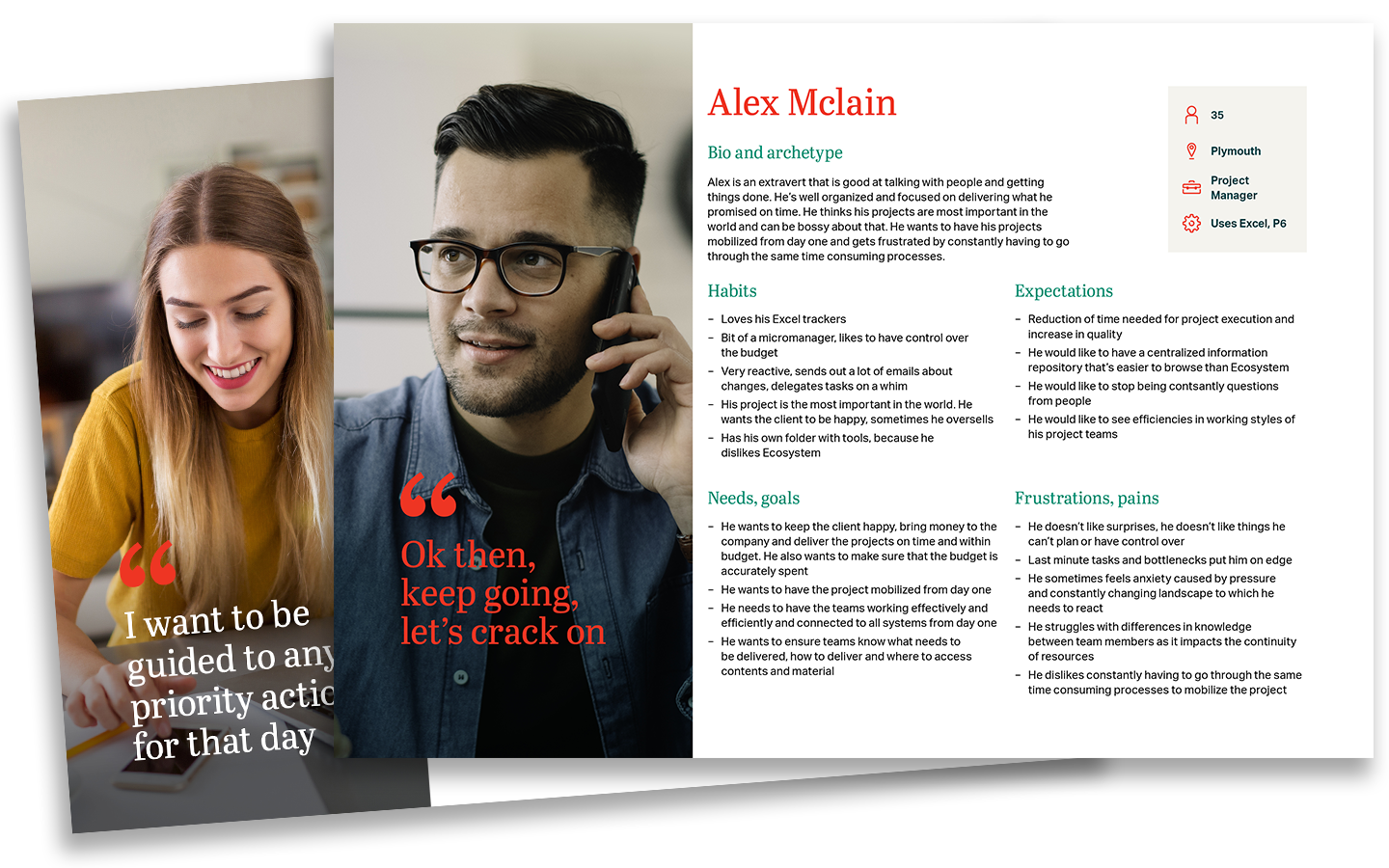
We had 30 days of the master-plan kick-off phase to outline the minimum viable product of the workspace portal and develop a resource management tool. Following the design thinking and lean UX frameworks, we decided to move forward with a low-code technology stack to accelerate the development and gain as much time as possible for research and design.
Discover
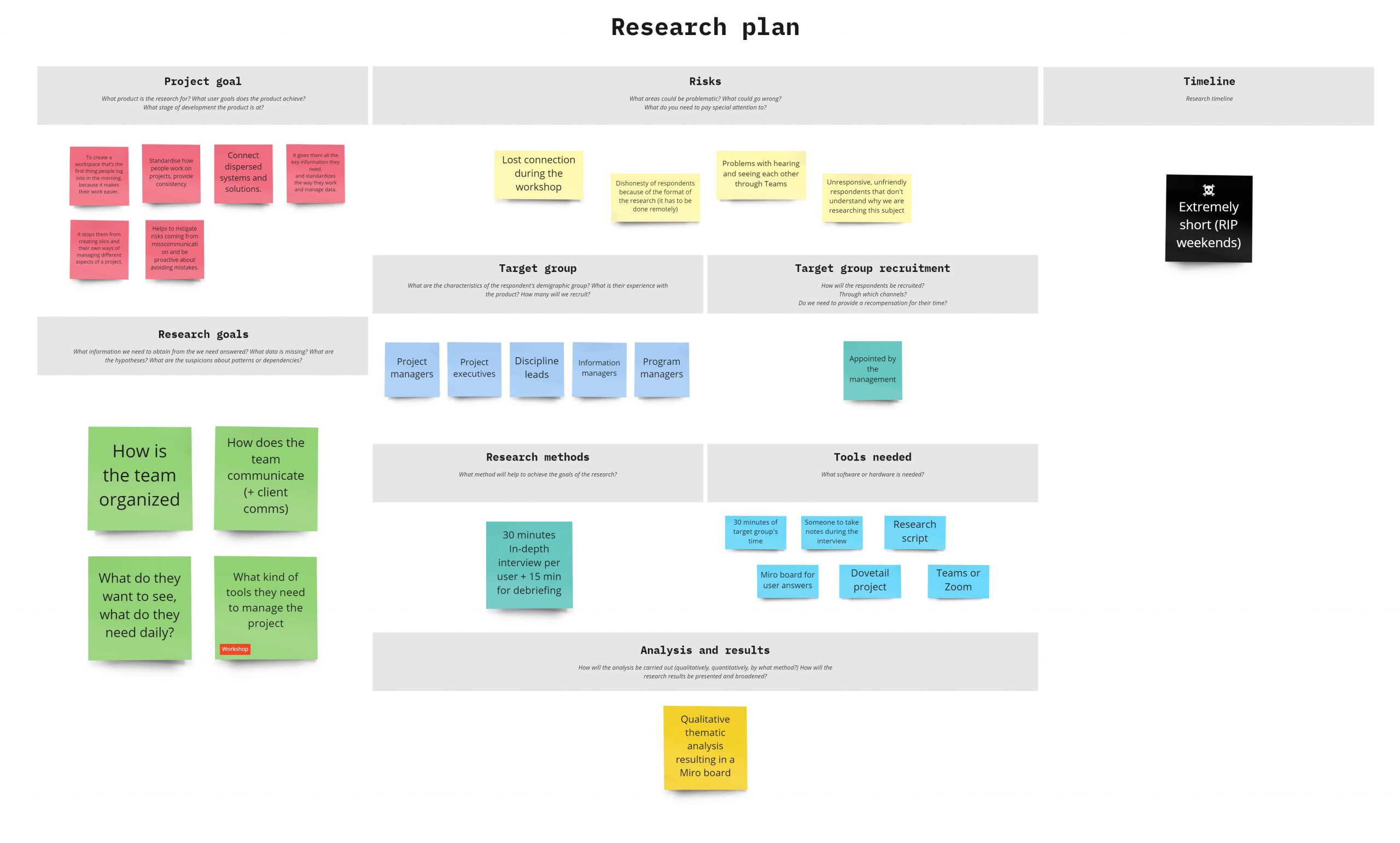
I started with creating a research plan to get data points about what would impact all aspects of the workspace. Through desk research and a series of interviews with subject matter experts and project managers, I learned about team organization, client communication, project management strategies, and technical constraints.
Additionally, I conducted an audit and benchmarking of existing tools to evaluate how they address the needs of our target group.
The most important findings from this phase were:

Consolidate existing tools
Project managers and discipline leads required unburdening through the consolidation of tracking tools. Making these tools easily accessible was crucial for adoption by these key users, who played a vital role in the project’s success.

Track key aspects
At the initial stages of a master plan, project managers identified five key aspects to track: resources, risks, actions, issues, and client decisions. However, they recognized at least 25 additional aspects needing attention in later stages. This necessitated a long-term strategy to design or acquire tools supporting all identified areas.

Get the data flow under control
Data exchange across the project suffered from a lack of control and consistency. The project management team’s use of various unconnected Excel spreadsheets for tracking led to errors and hindered informed decision-making for both AECOM and the client. This highlighted the need for a more integrated data management approach.

Find a way to automate repetitive tasks
Teams wasted significant time on repetitive tasks that could be easily automated. The absence of widespread, standardized templates resulted in inconsistencies across the business and unnecessary duplication of work. Addressing these inefficiencies became a priority to improve overall productivity.
Research plan
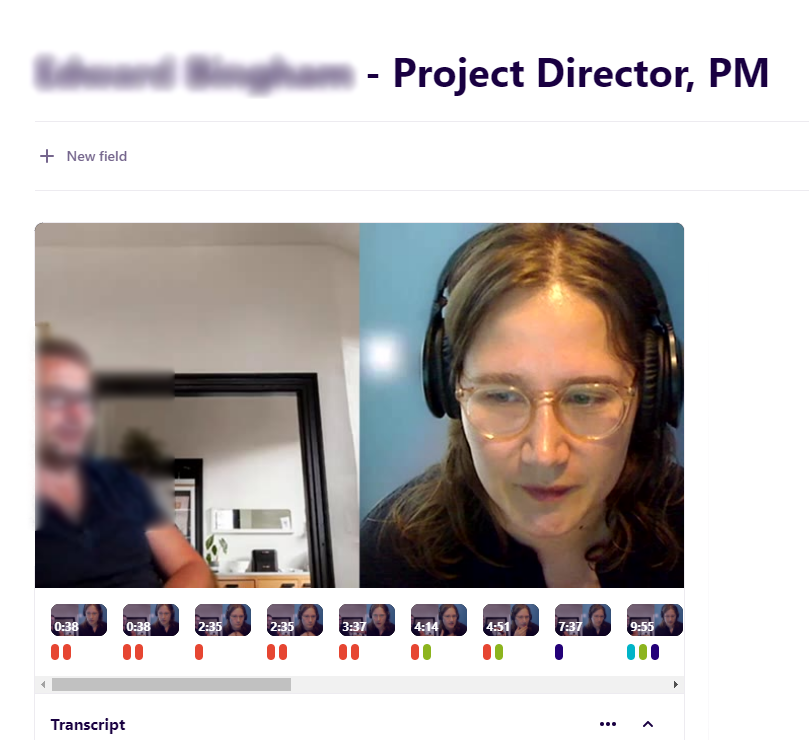
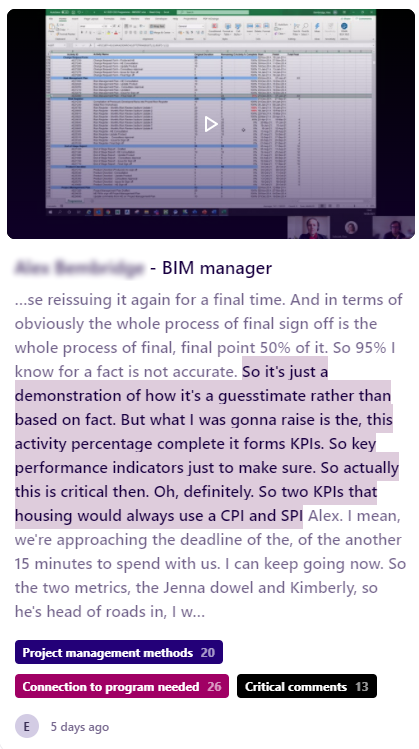
Individual in-depth interviews with users
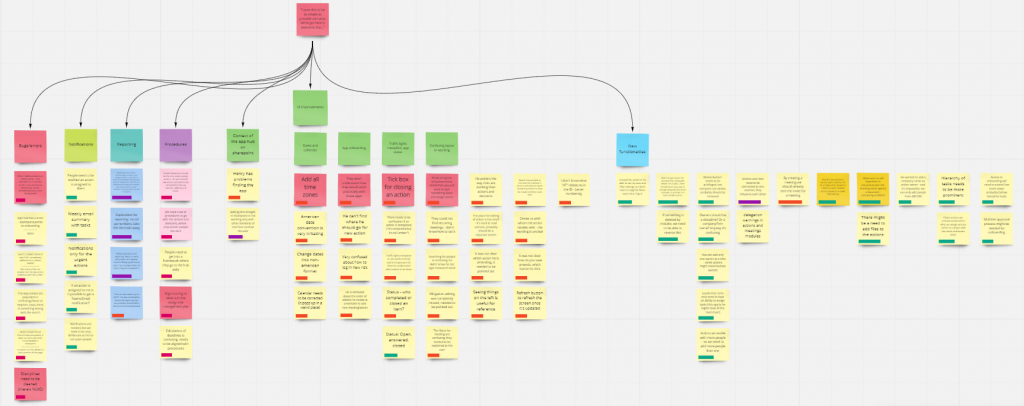
Thematic analysis
Based on the analysis of user needs, I collaborated with the product owner to define the MVP by mapping user stories. Based on this, our work was then divided into two main focus areas. First, we recognized the need for a scalable portal to host the diverse tools required in city design processes. Second, we concentrated on developing the tools managing the five key project aspects identified during research (resources, risks, actions, issues, and client decisions).
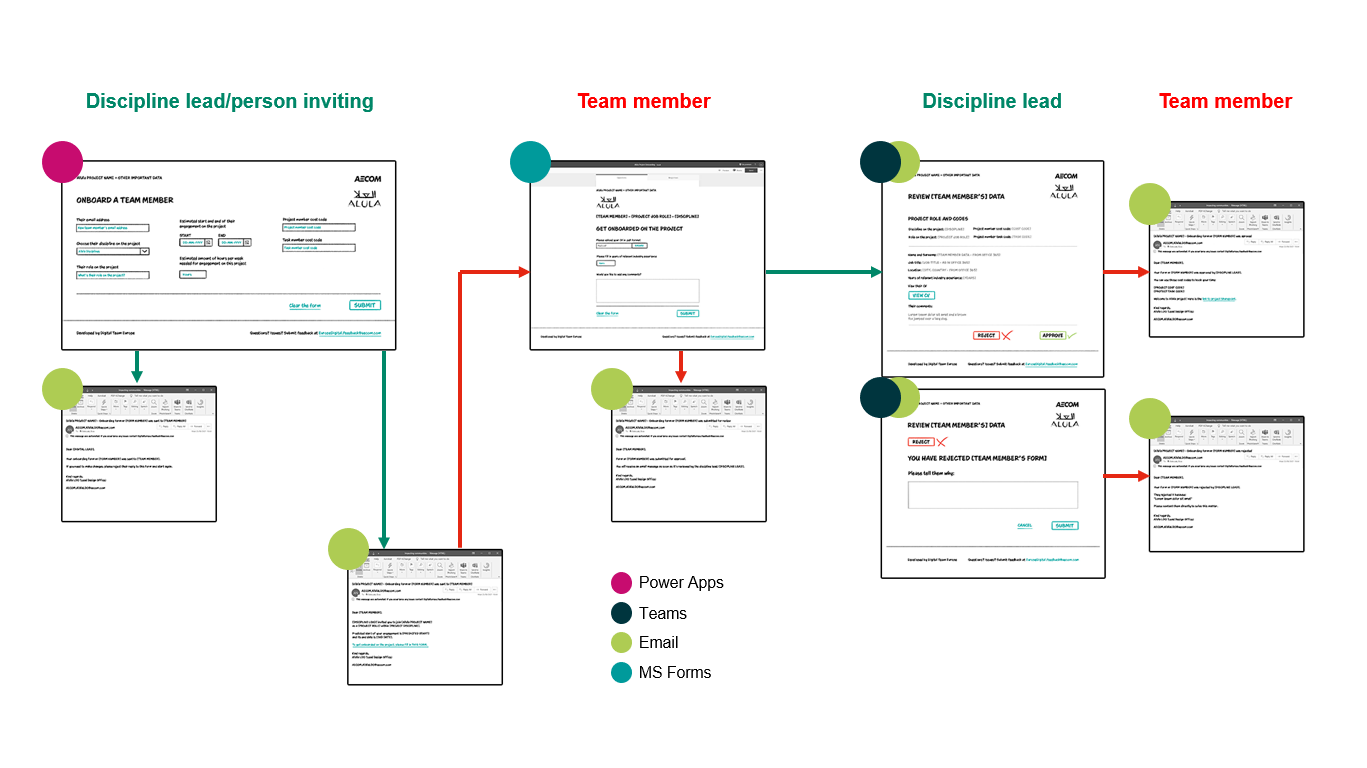
Two primary apps emerged from this process. The first was an onboarding tool, designed to help discipline leads manage project resources, including team members joining or leaving the project. This app streamlined the onboarding process, providing easy access to necessary systems and reporting on overall onboarding and offboarding status. Drawing from user feedback, I developed the user flows.
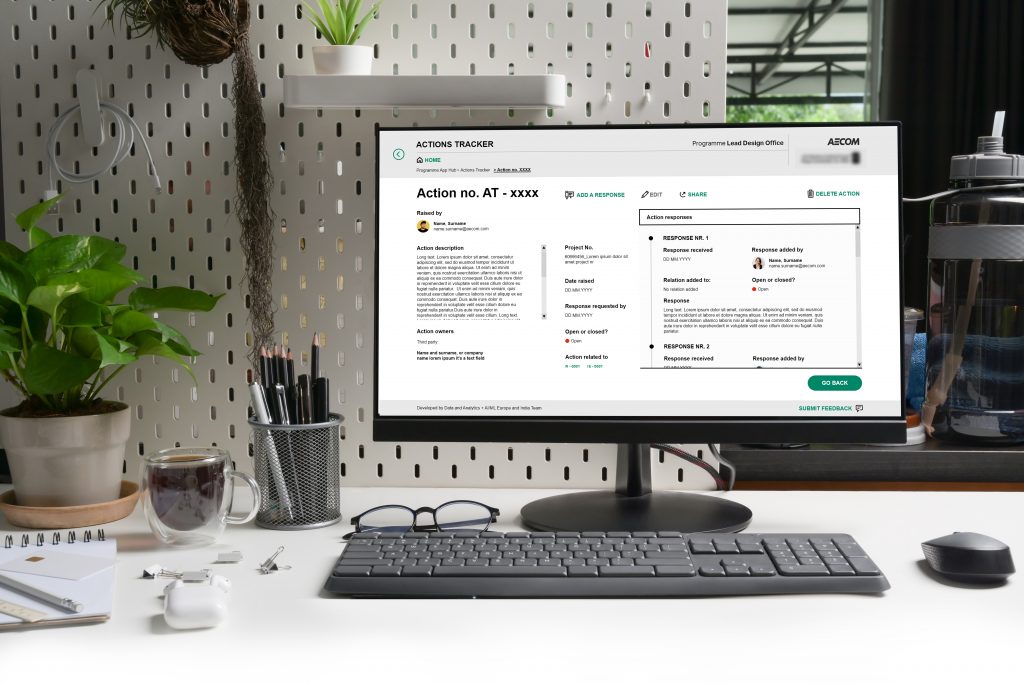
The second app was a log of risks, actions, issues, and decisions (RAID). While RAID logs are typically Excel spreadsheets, AECOM had been using four separate low-code apps to track these aspects, in addition to numerous project-specific spreadsheets. This approach made it challenging to create a common report that would provide a pulse check on the health of overall initiatives, especially for master plans or programs consisting of hundreds or thousands of projects. After auditing these tools, it became apparent that they needed significant redesign and integration.
We concluded that actions should form the core of the log, as they interconnect with risks, issues, and decisions. Collaborating with data scientists and engineers, we determined the most effective way to gather and structure the data. Based on these insights, I designed a new flow for the RAID log, consolidating the disparate tools into a single app. This approach aimed to enhance efficiency and provide streamlined data that could be used for more advanced reporting on the health of master plans.
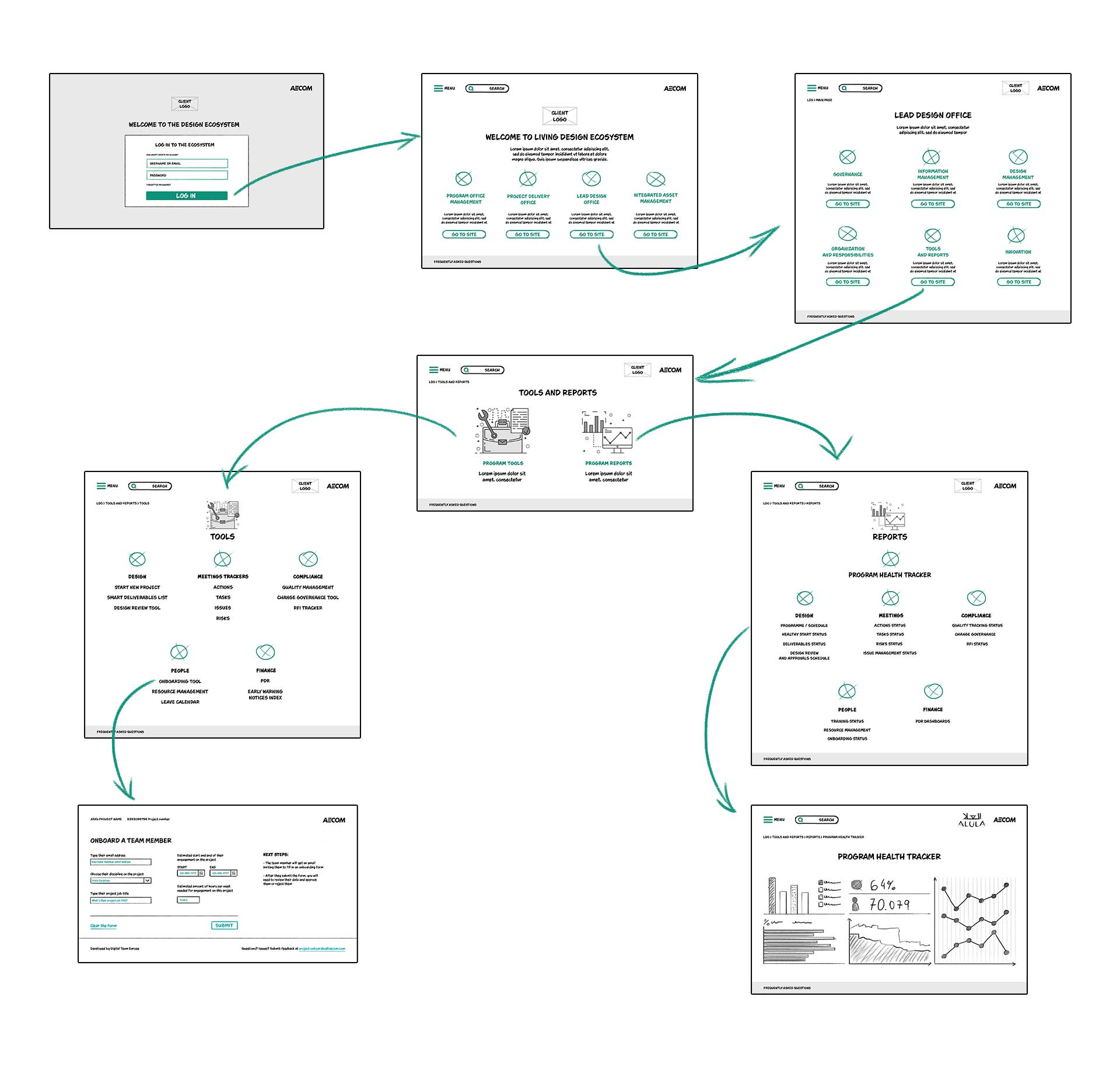
For the portal development, I began by creating an information architecture sketch, which I then translated into wireframe sketches. Collaborating with the engineering team, we developed recommendations for a “good, better, best” approach regarding the portal’s technology. These results were presented to stakeholders to gain approval for necessary development costs. Initially, we focused on the desktop as the primary touchpoint, given that most work occurred in offices or homes. However, we anticipated the need for mobile and tablet accessibility as the master plan progressed, to accommodate on-site work for both AECOM teams and suppliers monitoring physical locations.
Given time and budget constraints, we opted for an intermediate solution using web templates and low-code solutions to build the first versions of both the onboarding and RAID apps. This approach was sufficient for desktop use and allowed us to have a working solution available by the end of the 30-day masterplan kick-off phase. We recognized that future development would require more advanced technology to enhance flexibility, particularly in terms of access. The current low-code solution required licenses for data input, which presented limitations we would need to address in subsequent iterations.
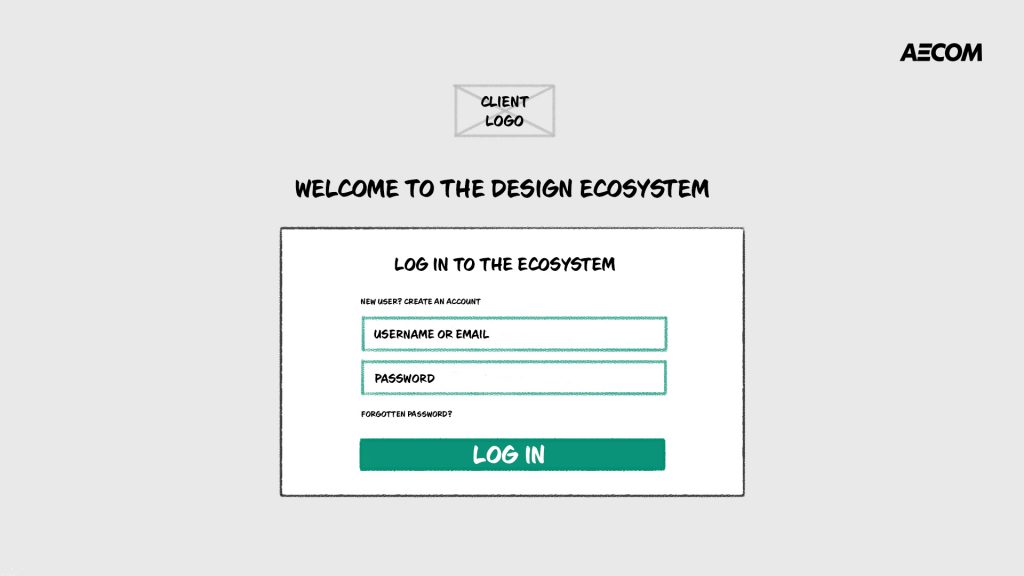
High level view of the portal flow
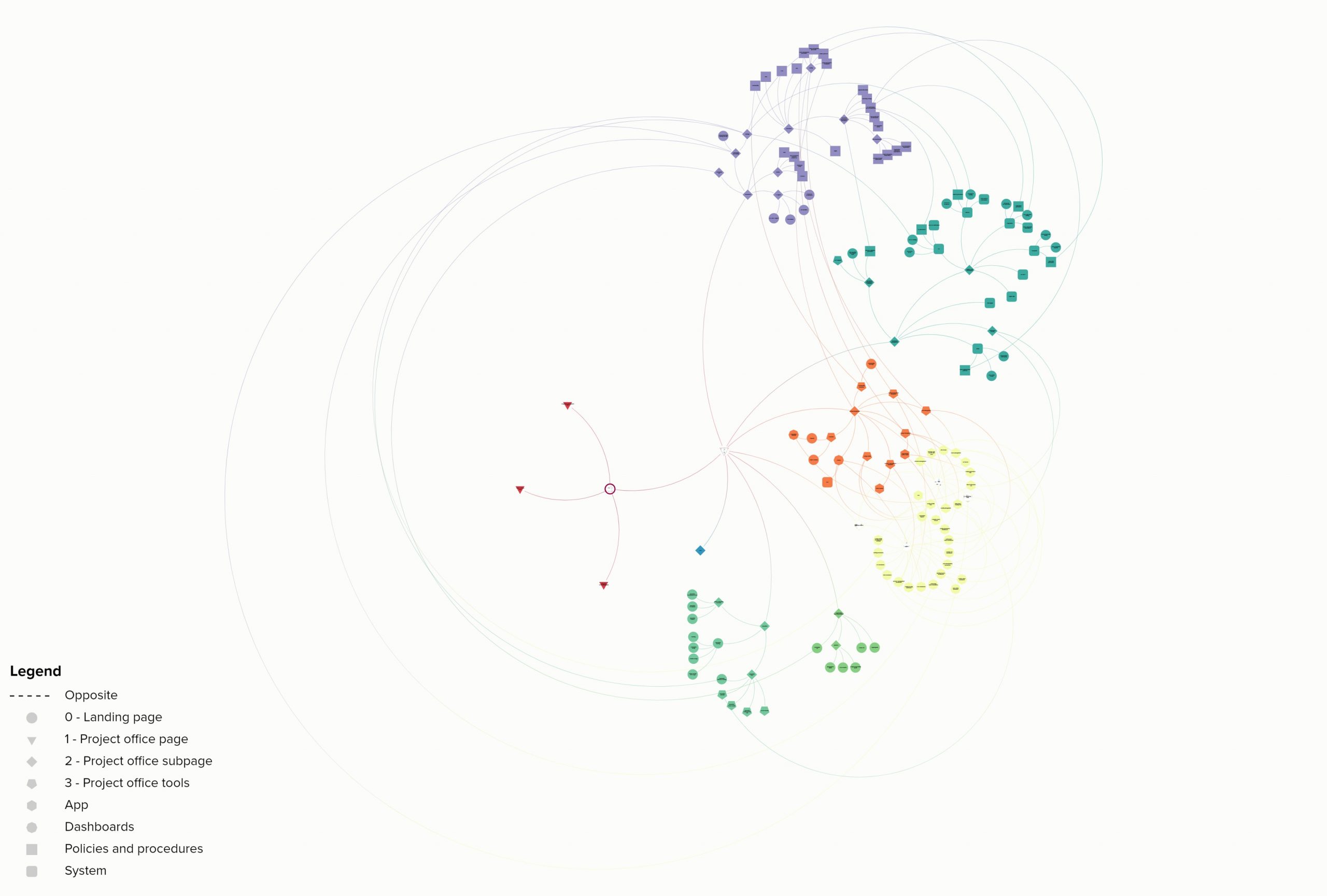
App wireflow
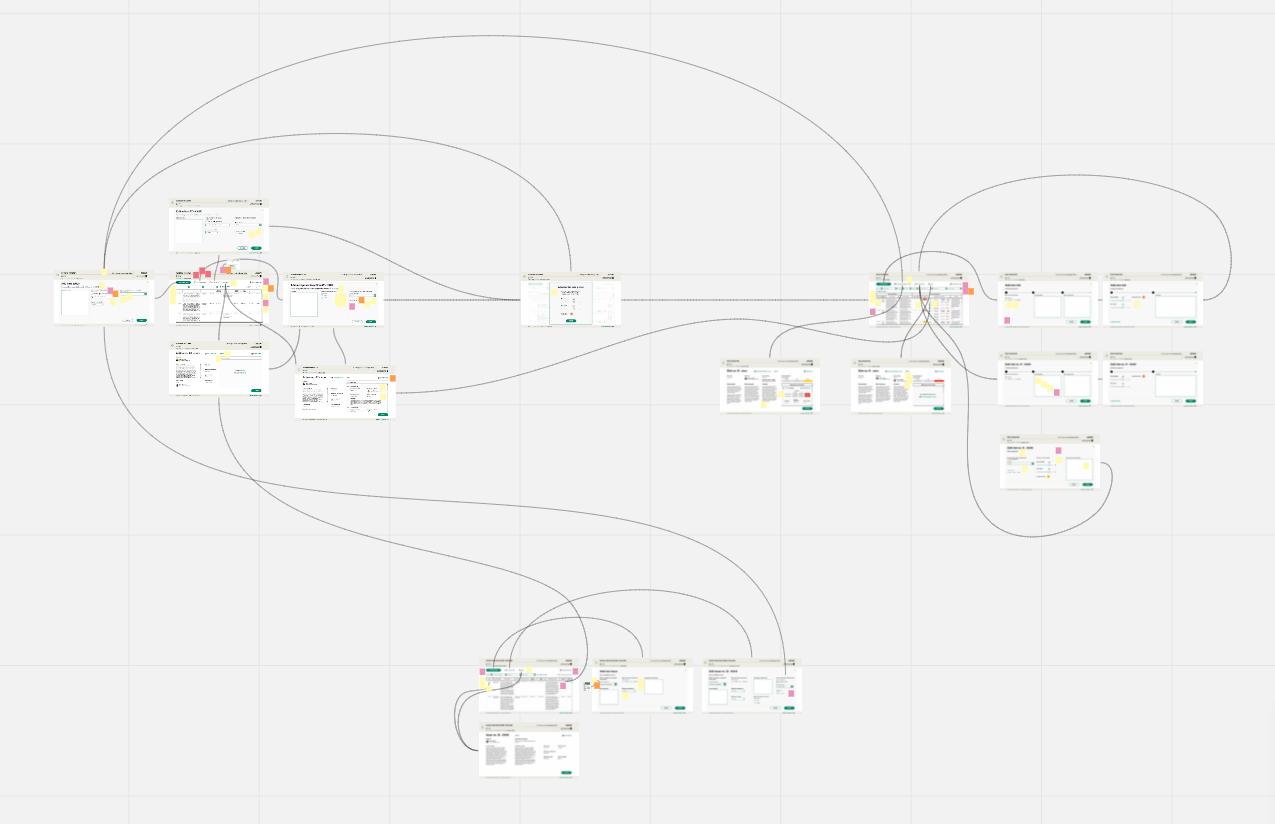
Information architecture
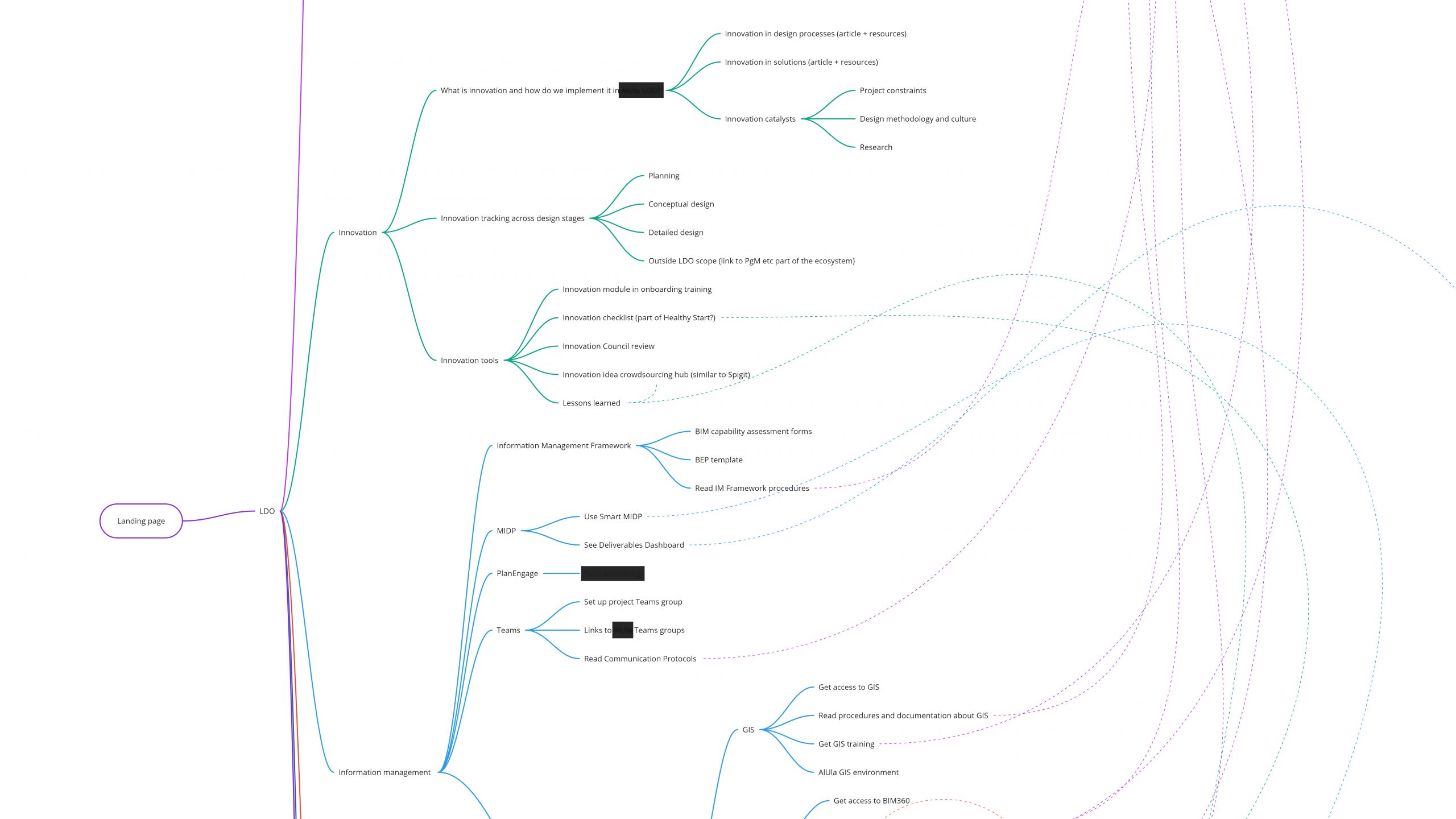
Portal sketches
Results
The new workspace portal transformed the way AECOM managed the smart city project. The centralized platform allowed for better data visibility and connectivity, significantly improving project oversight. Teams transitioned from outdated tools like Excel to more advanced and integrated tracking solutions, allowing them to analyze data more effectively and make informed decisions. This shift in workflow-enabled project managers to proactively address risks, track key actions, and ensure the project stayed on course.

Lessons learned

In large master plans consisting of thousands of projects, the quality of data is crucial for effective high-level reporting and accurate pulse checks.
Data exchange across such extensive projects often suffers from a lack of control and consistency. Addressing these issues may require not only technical solutions but also changes in the project team’s culture and habits. Implementing standardized data practices and fostering a data-driven mindset among team members are essential steps to improve overall project performance and decision-making capabilities.
Aligning stakeholder expectations with user needs proved essential.
It became clear that the best solution for the user wasn’t always the one favored by the highest-paid individuals, who based their opinions on the fact that they used to be members of the target group in the past. Effective communication and presenting data-backed user insights were critical in resolving those conflicts.

While low-code platforms provided speed and flexibility, they also imposed severe limitations on interaction design.
Despite these trade-offs, the low-code approach helped us meet tight deadlines and deliver a functional product.