


Context
OnEvo, a pioneer in augmented reality gaming in Poland, has transformed interactive learning with its flagship product, OnEvo Floor. This platform combines a computer, projector, and motion detector to deliver educational and entertainment experiences. It has gained traction in over 6,000 institutions worldwide, including the EU, South Africa, the UAE, and the USA.
The platform’s expansion brought unique challenges. Its diverse user base—ranging from young children in educational settings to individuals with severe mental disabilities in rehabilitation centers—necessitated a comprehensive overhaul of its games to ensure accessibility, engagement, and inclusivity across various demographics.
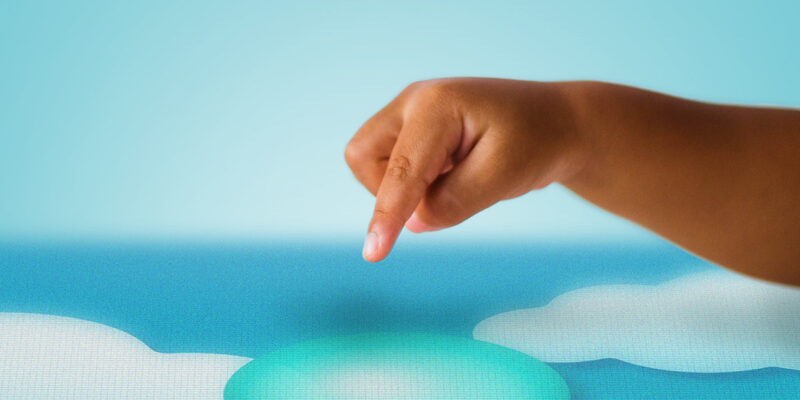
Problem

The initial version of OnEvo Floor featured interactive games that, while popular, were not optimized for diverse user groups. Visual design lacked appeal, particularly for early learners.

Games were not sufficiently accessible for users with severe mental disabilities, featuring abstract designs and fast-paced dynamics.

The menu relied on too complicated control mechanisms, creating usability issues for less mobile users.
Goal
Redesign the OnEvo Floor games to cater to different user groups, ensuring accessibility, engagement, and inclusivity. Update the platform’s interface to streamline navigation through motion control, making it easier for all users to engage with the games. Design a completely new set of games that will teach coding to children through play.
Target Group
The platform targeted a wide spectrum of children and each group had distinct behavioral patterns and needs:
– Children in early education, such as nurseries, kindergartens, and primary schools
– Children with severe mental disabilities, needing assistance in development
– Children and adolescents interested in learning programming concepts
Responsibilities
As the sole UI designer, my responsibilities encompassed designing, animating, and preparing 2D assets for 26 games across three distinct sets. Throughout the process, I collaborated closely with multiple stakeholders to ensure a comprehensive user experience. I worked with rehabilitation experts and early education professionals to align design choices with therapeutic and developmental needs, consulted with company owners to meet business objectives, and partnered with a team of developers to implement the designs effectively.
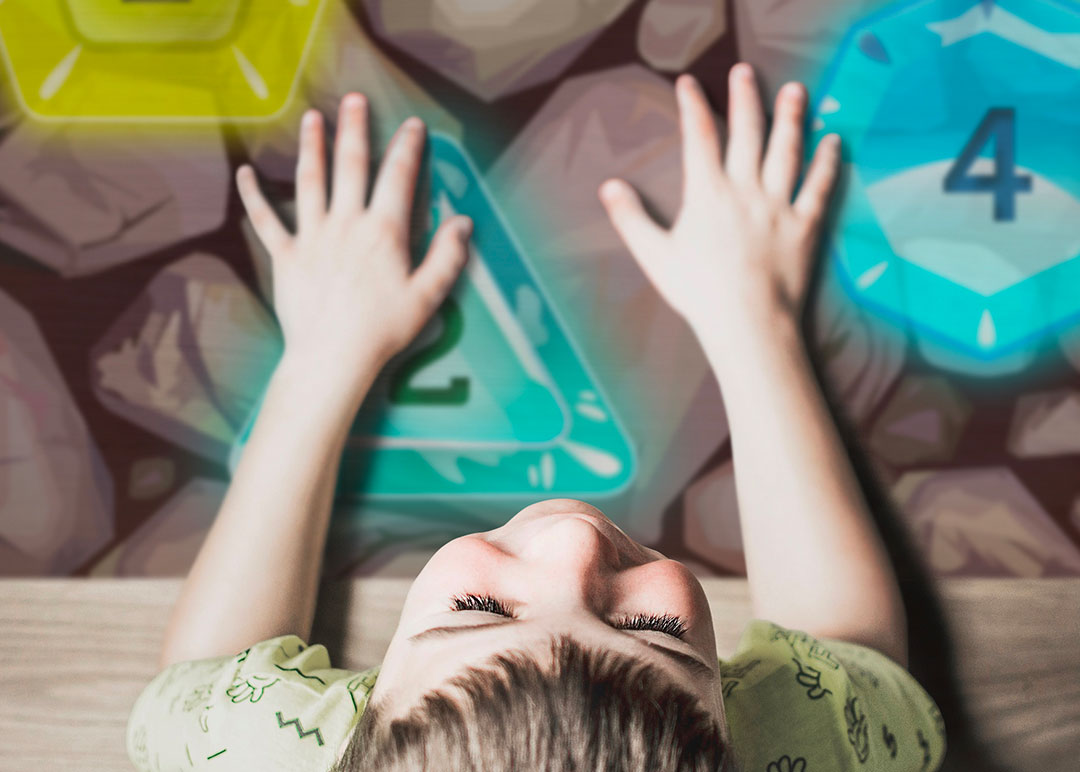
Process
The project kicked off with a review of existing games and user feedback from teachers and therapists. In the case of all games, I started by creating designs in Photoshop, as a set of digital paintings. Once the concept was approved by the stakeholders, I moved on to create animations in close collaboration with the developers to make sure my ideas were feasible. Once the animations were ready, I exported the sprites and other assets for implementation.
![[Funtronic]-Slon](https://www.ewasobczak.com/wp-content/uploads/2017/01/Funtronic-Slon-800x400.jpg "[Funtronic]-Slon")
Early education set
I started by revamping the “Early Education” set, which consisted of thirteen games. The redesign included engaging visuals and intuitive, motion-controlled gameplay, while focusing on visual appeal and simplicity.
Inclusive games
Next, I tackled games for children with mental disabilities at a local rehabilitation center. These required larger, simpler objects, slower pacing, and consistent backgrounds to reduce cognitive load. I redesigned two games to meet therapeutic needs while keeping them engaging.
Coding set
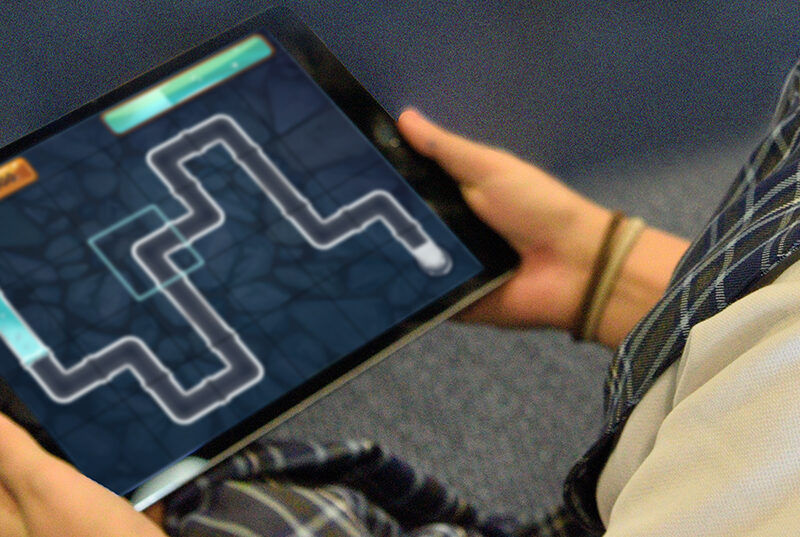
For the coding education set, I developed eleven games that blended educational content with physical activity. These covered math, logic, and music concepts using clear, dynamic visuals and animations that made computational thinking fun and interactive. This is also the only set that has been released for iPads, so it required UI that would work both on a projector and on regular digital screen.
Results
Through these projects, I successfully created engaging and interactive games that cater to different user groups, considering their unique needs and objectives. The result was a successful platform that provided an enriching user experience, combining education, exercise, and entertainment. This platform was implemented in primary schools, holiday resorts, educational facilities, and rehabilitation facilities across 15 countries on four continents.

Lessons learned

When designing for a projector, it’s important to be mindful of the color scale, as projectors handle colors differently from monitors. After a few design missteps, I requested a projector to preview and adjust my designs directly. Simplifying the color scheme was key to ensuring the final product looked good when projected.

Creating interactive experiences that meet diverse user needs is essential for inclusivity and accessibility. Often, the simplest ideas work best. Collaborating with rehabilitation and education experts is critical for designing effectively in specialized settings.

Designing for a motion detector requires a different approach than for phones or computers. Since users move their entire body to interact, the interface needs to be simple and forgiving to ensure it responds well to larger, less precise motions.